
CNC workflows

Fusion CAM: balance toolpath tolerance and smoothing

A practical workflow note on evaluating toolpath accuracy, output size and generation time without treating one setting as universal.

Author
DraftEdge Engineering
Published
Oct 24, 2026
Updated
Oct 24, 2026
Read time
2 min
Difficulty
Intermediate
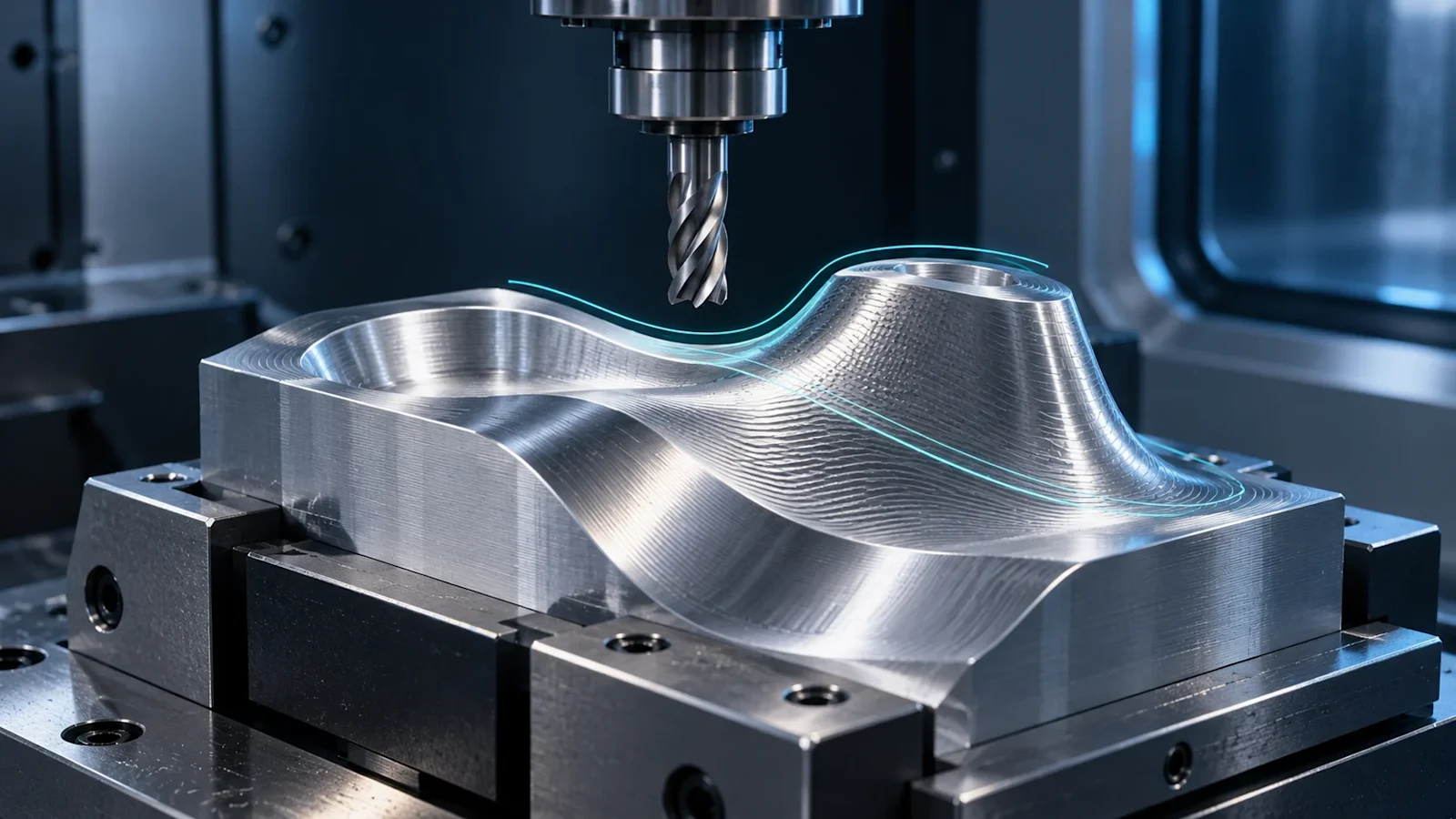
CNC end mill above a sculpted aluminium workpiece
AI-generated editorial illustration for DraftEdge Engineering. Conceptual artwork, not an Autodesk Fusion screenshot or a tolerance diagram.

Share

A workflow note from our 19 October manufacturing briefing, published on 24 October 2026. This is established CAM guidance, not an announcement of a new October feature.

The guidance

Autodesk recommends a 1:1 tolerance-to-smoothing ratio as a starting point for optimising toolpath generation time and file size in Fusion. The ratio alone does not specify a suitable absolute tolerance for your part.

Why it matters

A setting should be judged against the required geometry and the complete machining process. A smaller output file is useful only when the resulting toolpath remains suitable for the work.

What to explore

DraftEdge’s suggested comparison: duplicate one finishing operation on a representative part. Keep the tool, geometry and cutting parameters unchanged. Compare your existing settings with a candidate tolerance-and-smoothing setup chosen for the part requirements. Record generation time and posted file size; inspect the simulated path and remaining stock.

Before using the result

Review posted output with the correct machine postprocessor and verify controller support. Follow the workshop’s normal prove-out procedure before production. Inspect the first part rather than judging the result from simulation or file size alone.

Practical takeaway

Use the 1:1 guidance as a controlled experiment, not a universal machining specification. Keep the result that meets the part requirements with a reliable, repeatable workflow.

Watch the workflow

Watch on YouTube
NexGenSolutions tutorial, published 3 March 2023. Background workflow guidance; interface details may differ from your current Fusion release.Credit: NexGenSolutions — original video on YouTube.

Sources & references

  1. [1]
  2. [2]
#Manufacturing Briefing#Autodesk Fusion#CAM#CNC
DE

Written by

DraftEdge Engineering

Mechanical Engineer · CAD Designer · CNC Programmer · Product Development · Manufacturing Engineering

We are a manufacturing-first engineering studio. Every model we release has been through CAM, tolerance review, and a first article before it reaches a client — which is why our writing reads like shop notes rather than software tutorials.

Discussion(3)

Comments are moderated before publication.

  • Marcus Hale

    Manufacturing Engineer1 mo ago

    The datum-over-face rule alone would have saved us two weeks last quarter. We now enforce it in our model review checklist.

    • DraftEdge Engineering

      Author1 mo ago

      That matches what we see. The failures are almost never exotic — they are a sketch plane on a fillet.

  • Priya Raman

    Design Engineer1 mo ago

    Curious how you handle derived CAM bodies across a 200-part assembly — does the derived file strategy still scale there?

All articles
Newsletter

Stay Ahead in Engineering

Engineering articles, CAD tutorials, CNC workflows, manufacturing insights, product design tips, and technical resources — delivered to your inbox. No spam, unsubscribe anytime.

Need CAD Design or Manufacturing Support?

DraftEdge Engineering provides CAD modeling, CNC programming, product development, manufacturing consulting, mechanical design, prototyping, and end-to-end engineering solutions.