The strongest signals from 19–25 October are practical rather than spectacular: better transfer of manufacturing intent, more automation inside CAM, and a repeatable operating model for distributed additive production. Two distinctions matter: Autodesk’s October capabilities are shipping now, while Siemens describes an available CloudNC integration alongside a broader closed-loop vision that remains directional.
Key takeaways
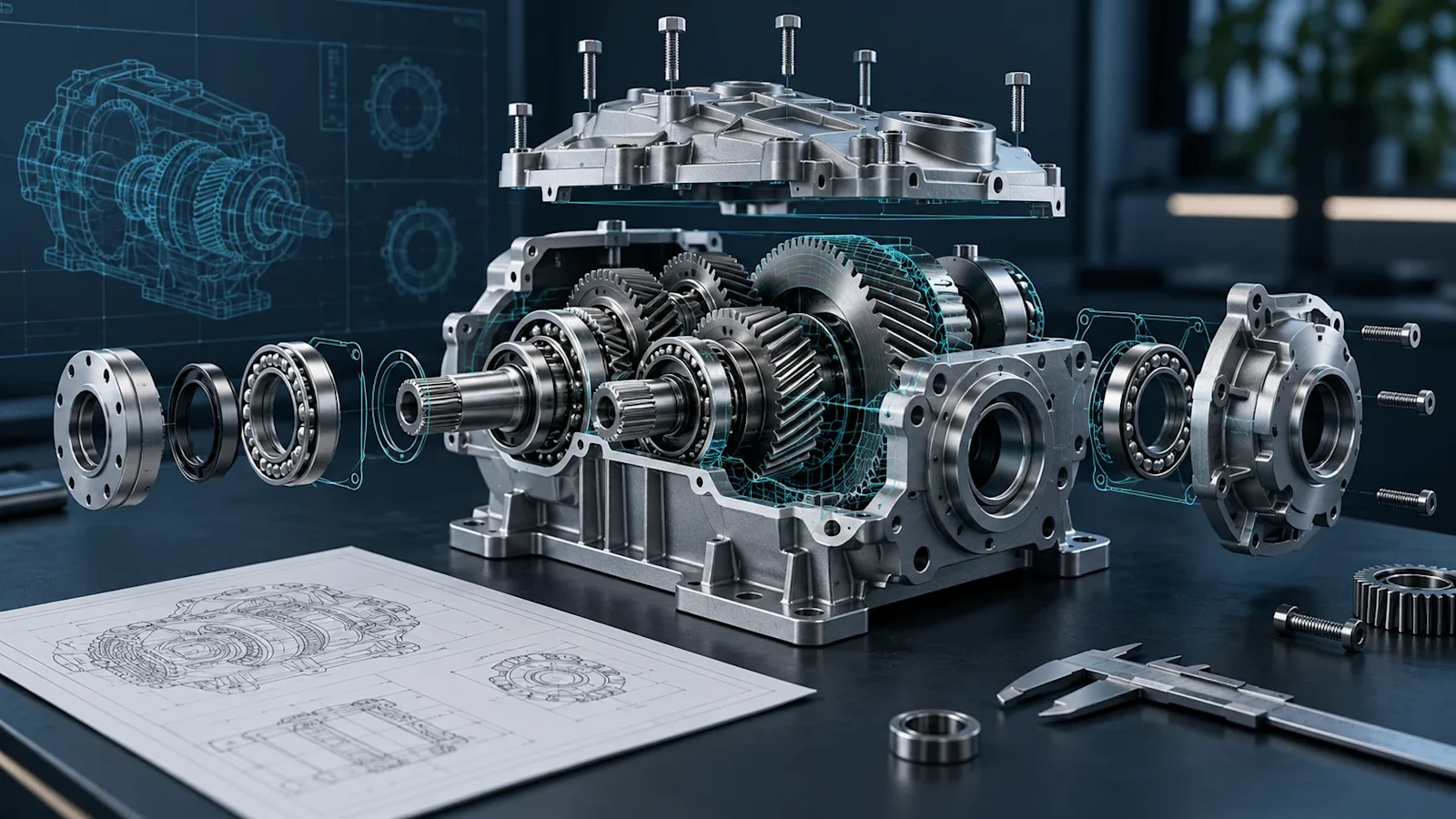
- Fusion now exports STEP AP242 with product manufacturing information (PMI), reducing the chance that tolerances and manufacturing annotations detach from geometry during handoff.
- AI-assisted CNC programming is moving into established CAM ecosystems, but human review, simulation, post validation and prove-out remain essential.
- GM’s additive program shows that shared machines, materials, design rules and a searchable part library can matter more than owning isolated printers.
1. Autodesk Fusion ships STEP AP242, visual automation and manufacturing updates
What changed — On 21 October, Autodesk released Fusion’s October update. Available capabilities include STEP AP242 export with imported or Fusion-authored PMI, System Modeler visual automation in the Design and Manufacture workspaces, a reusable stock-material library, improved bar-pull fixture positioning, safer 3D Offset Roughing retracts, incremental cusp cleanup for turning grooves, and support generation constrained by build volumes and no-build zones. Autodesk labels AutoTimeline for rebuilding imported geometry as a Tech Preview, and several collaboration features as staged rollouts.
Why it matters — For teams exchanging models with SOLIDWORKS, AutoCAD-based documentation or external CAM, AP242 can preserve more manufacturing intent than geometry-only exchange. System Modeler could remove repetitive setup and NC-program administration without requiring a custom add-in. The turning and bar-feed changes address simulation fidelity and tool engagement rather than cosmetic workflow polish.
What to explore — Export one tolerance-rich production part as AP242 and audit the receiving system’s PMI mapping. Then prototype one low-risk System Modeler graph, such as applying a CAM setup template or validating stock definitions. Treat AutoTimeline as an evaluation feature until its reconstructed design history survives your own change tests.
2. Siemens and CloudNC show AI-assisted CAM inside the CNC workflow
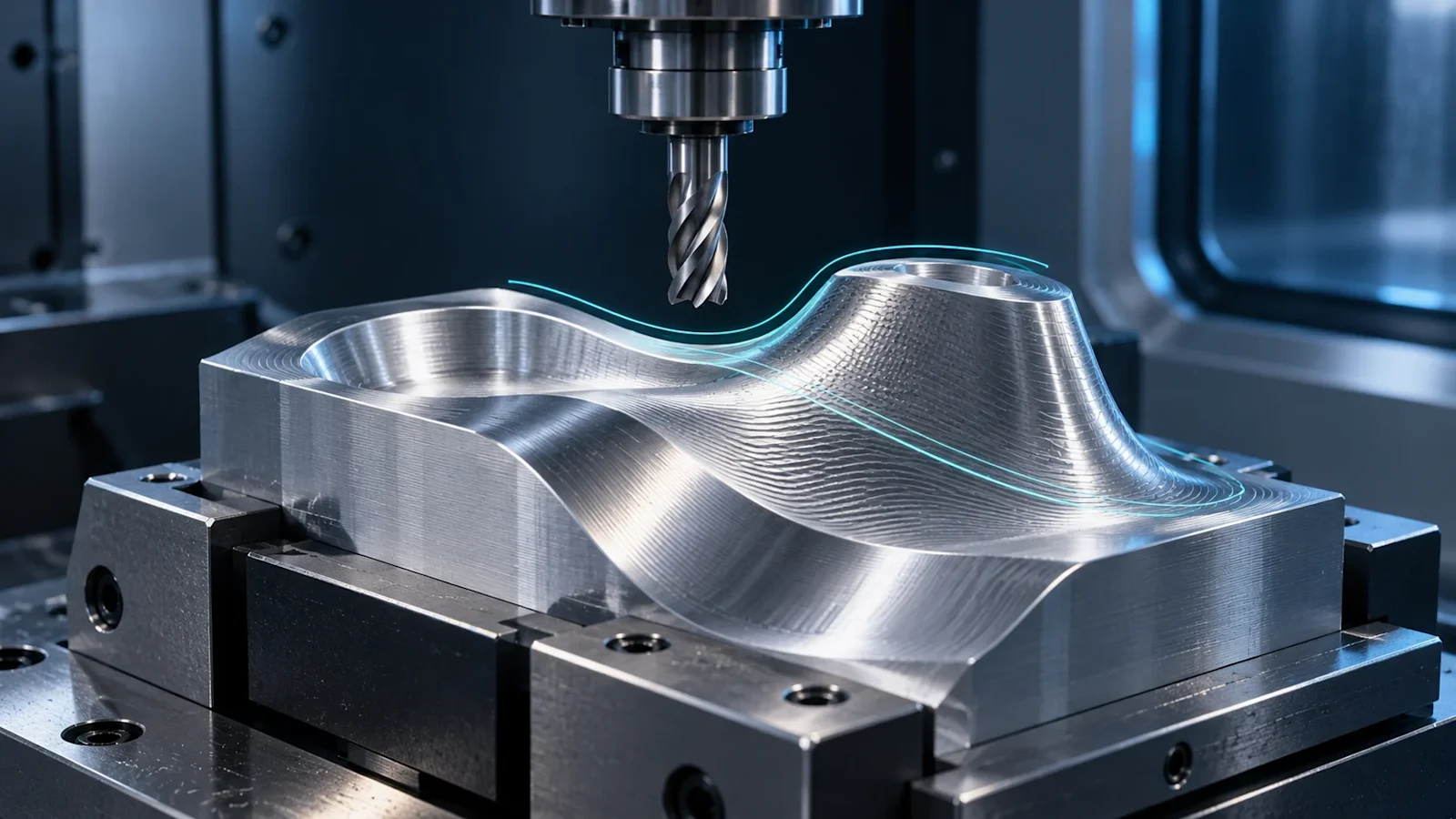
What changed — Siemens published a 21 October account of its work with CloudNC. The concrete available element is CloudNC CAM Assist integration with Siemens CAM software; Siemens also points to its own Make Machining Suggestion capability. The article describes progress from 3-axis toward 3+2 programming. Its vision of programs executing on machines and feeding shop-floor data back into future CAM decisions is presented as a direction, not a newly released autonomous closed loop.
Why it matters — For experienced CNC programmers, the useful question is no longer whether software can draft operations. It is how much verified programming time it removes on a representative part family while preserving shop standards, safe entry moves, tool preferences and dependable posted code. Integration inside an established CAM environment reduces the friction of evaluating that question.
What to explore — Run a controlled benchmark on a familiar 3-axis or 3+2 part: compare programming time, operation coverage, edits, simulation findings and posted-code review against your normal process. Record exceptions by feature type. Manufacturer statements about high completion rates should be treated as claims until reproduced with your machines, tooling and posts.
3. GM’s additive network makes standardization the scaling mechanism
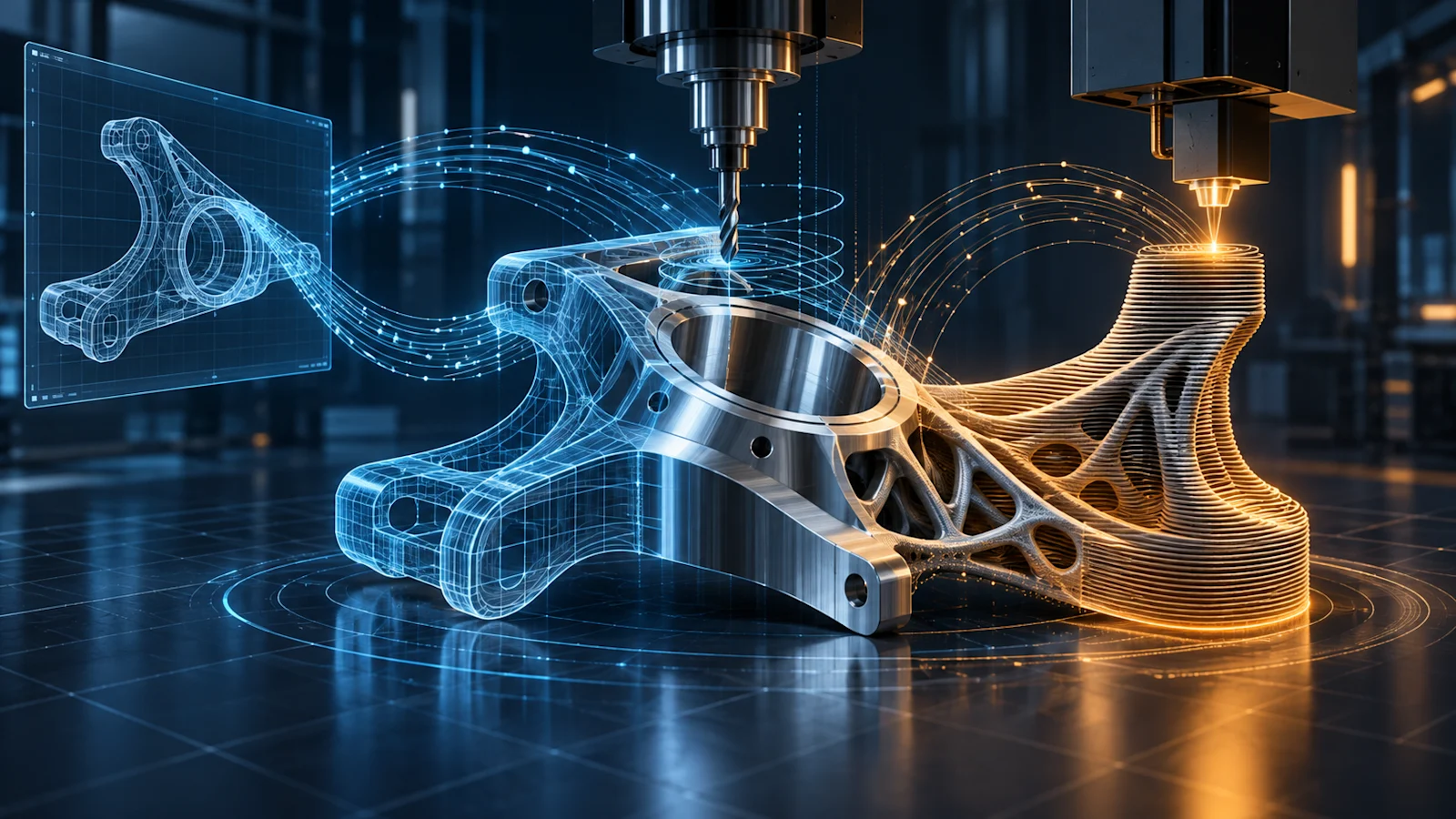
What changed — A Stratasys case study published 22 October details GM’s use of a common F900 platform across more than 20 facilities. GM standardizes equipment, validated material choices and design practices, then shares reusable solutions through a digital parts database, global meetings and plant user groups. Applications include tooling, fixtures, quality aids, ergonomic tools and replacement parts.
Why it matters — This is a demonstrated operating model rather than a new printer launch. The transferable lesson is that additive value compounds when a proven fixture can move between plants with known machine, material and design assumptions. A digital spare is operationally useful only when revision control, qualification, local capacity and ownership are defined.
What to explore — Start with one repeated tool or low-risk spare used at multiple locations. Define the authoritative CAD file, approved build orientation and material, inspection criteria, revision owner and retirement rule. Measure avoided lead time and downtime before expanding the catalog.